Overview
The Dashboard is the main landing page of the JCAA Billing System. It provides a comprehensive overview of key financial metrics, invoice statuses, and analytical charts to help you monitor the billing system's performance at a glance.
Dashboard Layout
The dashboard is organized into several key areas:
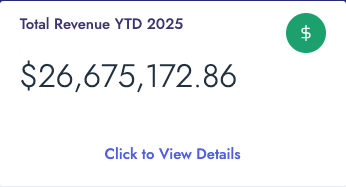
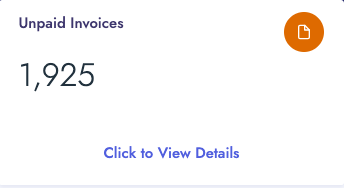
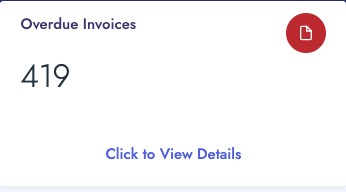
- Summary Cards (Top Row): Four key metric cards displaying YTD Revenue, Outstanding Balance, Unpaid Invoices, and Overdue Invoices
- Navigation Tiles (Second Row): Quick access tiles to specialized dashboards (PASC and AIRNAV Analysis)
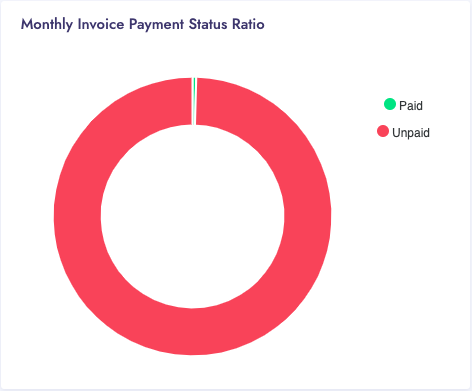
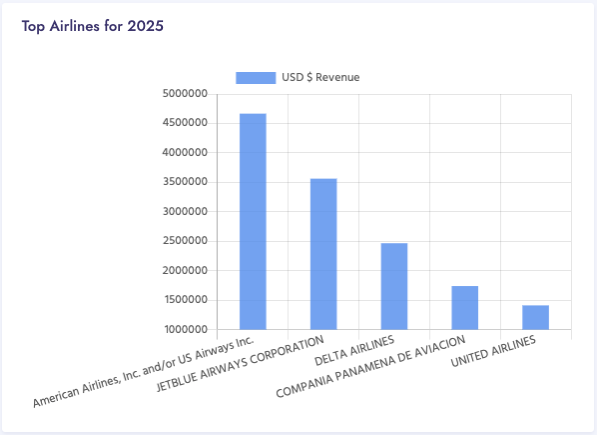
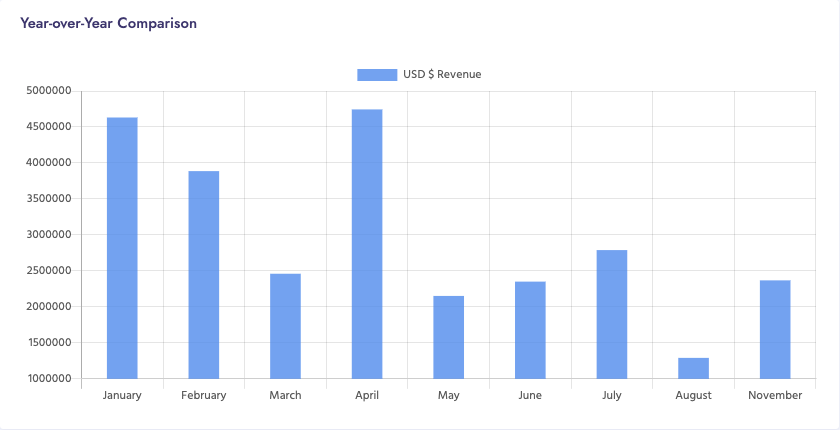
- Charts and Visualizations (Third & Fourth Rows): Interactive charts showing payment status, top carriers, and year-over-year comparisons
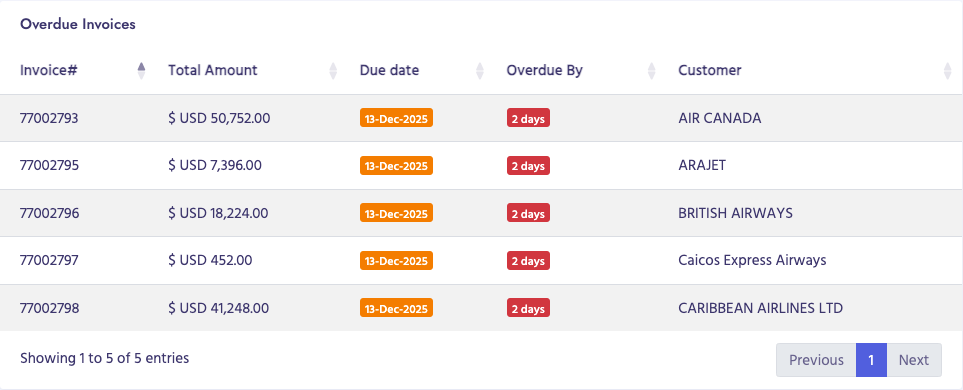
- Data Tables: Detailed tables listing overdue invoices
Data Loading
Most dashboard components load data dynamically via AJAX when the page loads. You may see "Loading..." indicators while data is being fetched from the server.